
Struggling to quit porn?
You’re Not Alone
Victory by Covenant Eyes® is the Most Trusted Quit-Porn App for Christians.
7 DAYS FREE | Every Feature Included
7 DAYS FREE
Every Feature Included
The Covenant Eyes App is now Victory by Covenant Eyes®

Endorsed by the American
Association of Christian Counselors
The only quit-porn app endorsed by the American Association of Christian Counselors
Walk in the light
Quit Porn with Victory by Covenant Eyes
Freedom from unwanted sexual behaviors is possible. How? It starts with interrupting the pattern and moving toward transparency. Want help? The Victory app is where you begin.
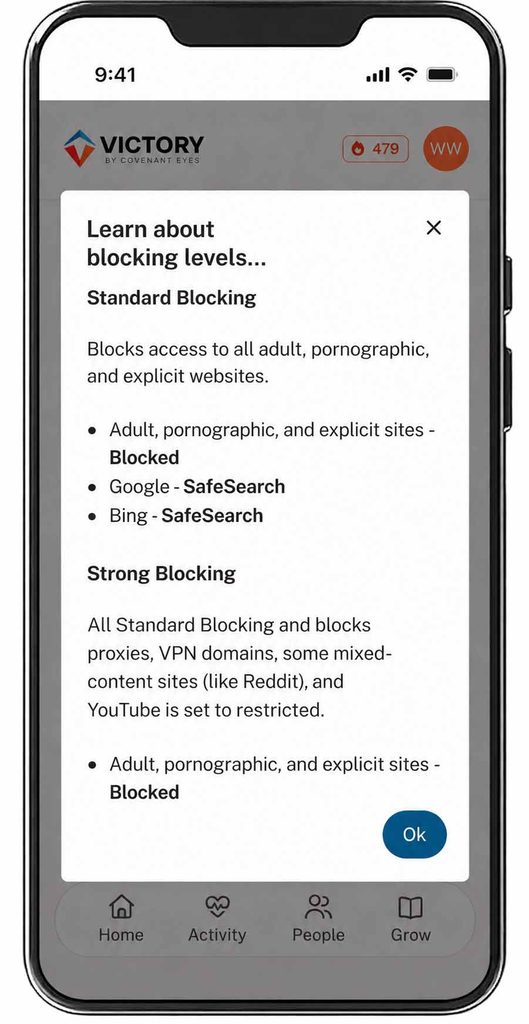
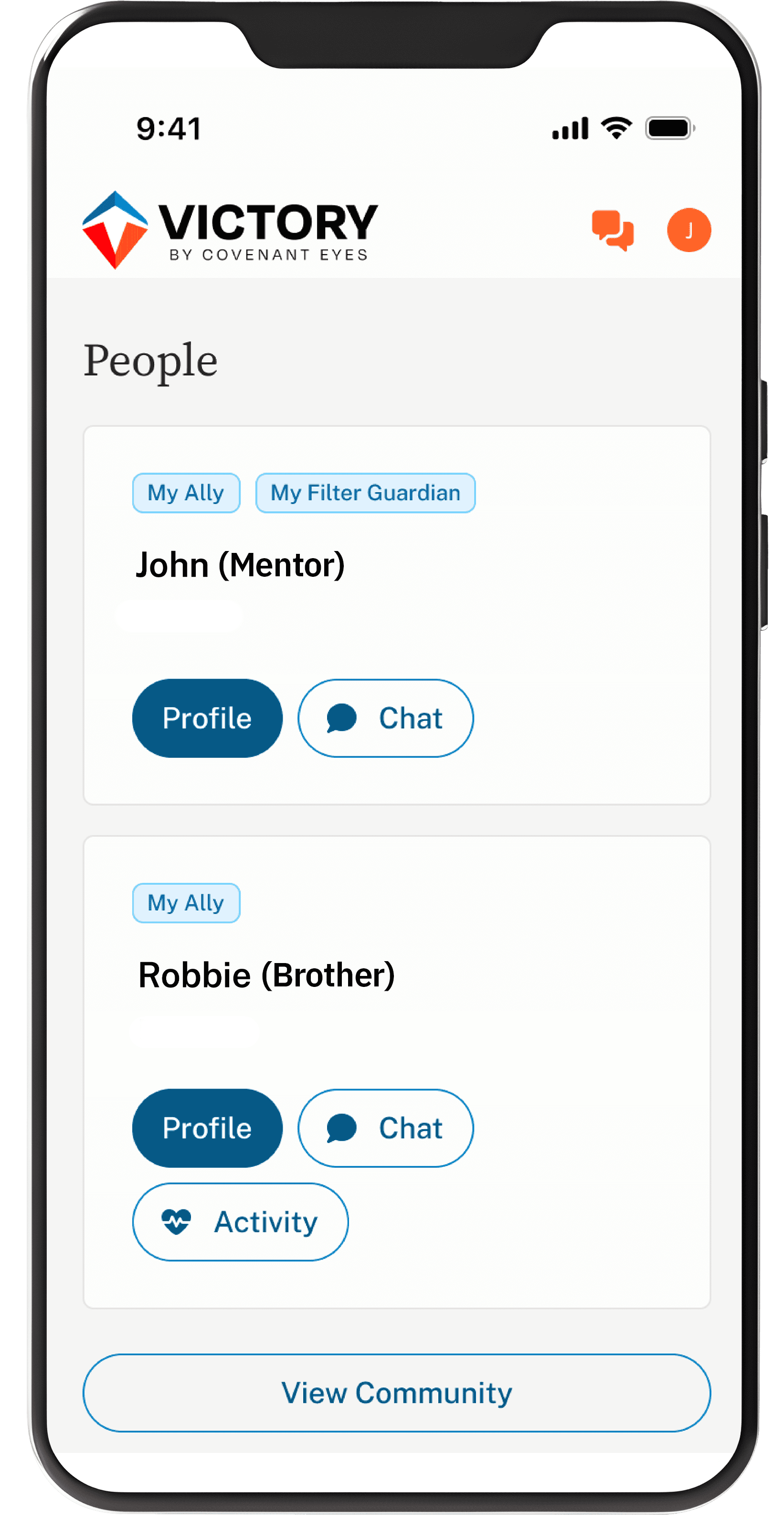
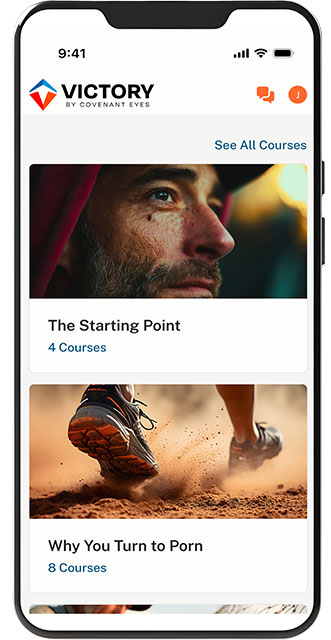
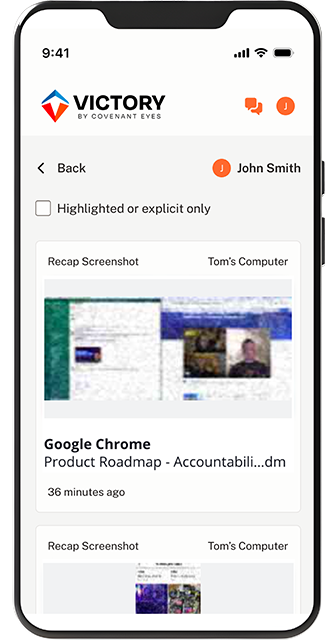
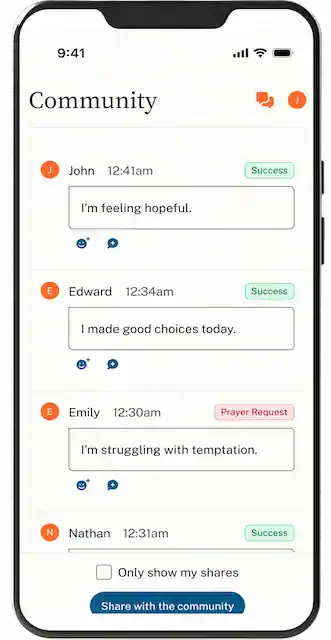
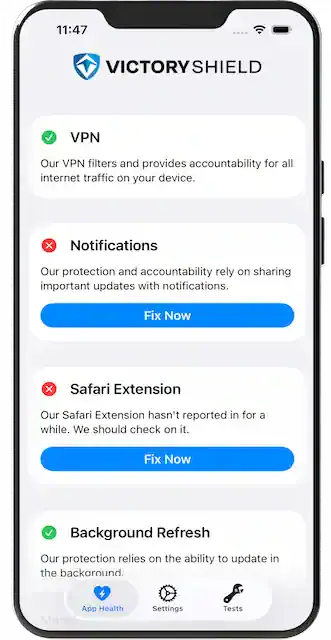
Meet Victory, Your Guide to Freedom.
Paid subscribers get access to both the Victory® app and the Victory Shield™ monitoring utility. These two apps work together to help you find daily freedom from unwanted porn use.
7 DAYS FREE | Every Feature Included

How the Victory App and Victory Shield Work Together

1. Install the Victory app
This is your home app for the Victory journey.

2. Download Victory Shield.
This monitoring utility goes on all your devices (no limit), enabling porn blocking and Screen Accountability.

3. Invite an ally through the Victory app.
Allies install Victory for free, enabling notifications, daily check-ins, and secure chats.
Pricing
Pricing Plans
Pick the payment plan that’s right for you.
7 Days Free
Monthly
$18
Per Month
7 Days Free
Yearly
$198
Per Year
Save 50% over 10 years
Lifetime
$950
One-time Payment
30-day money-back guarantee
Learn More.

All plans cover unlimited devices for up to 10 individual users within a family.
30-day money-back guarantee
Learn More.
All plans cover unlimited devices for up to 10 individual users within a family.
Testimonies
“…this app has offered something I didn’t realize I was missing: Accountability
…It’s a light in a very dark place.”

Brad
Victory Member
“I am forever grateful for this software and the community that have helped me to get my life back.”

Matthew
Victory Member
“I love personal accountability. It helps me by asking how I am doing every day to ensure I am not alone in this journey.”

Nathanael
Victory Member
“Covenant Eyes has provided light at the end of the tunnel.”

Lolo
Victory Member
“Thanks to the help of my allies through Covenant Eyes, I have begun to retake control of my life from porn.”

Samuel
Victory Member
“Knowing that I am accountable to others helps me to approach my use of technology in a more wise and thoughtful manner.”

Natalie
Victory Member
Frequently Asked Questions
Find Transformation Through Connection.
God has made us for community. Victory by Covenant Eyes facilitates the accountability relationship essential for your journey to overcome porn and find freedom.
7 DAYS FREE | Every Feature Included
7 DAYS FREE
Every Feature Included

